Unlock Your Mac's Potential with These Must-Have Apps
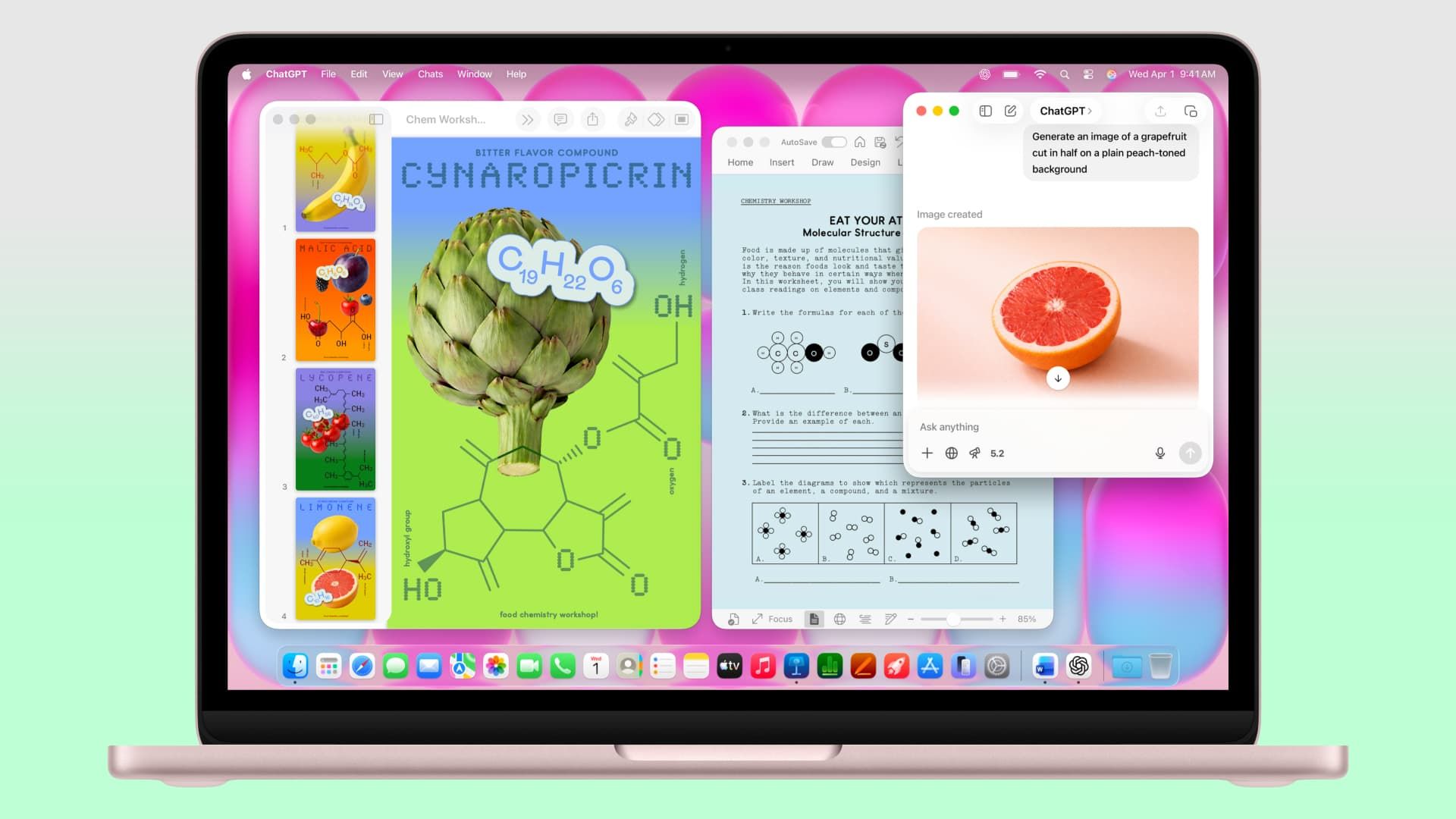
The MacBook Neo is more than just a sleek piece of technology; it's a gateway to a myriad of powerful applications that can significantly enhance your productivity and overall experience. For those making the switch from Windows, the transition can feel daunting, but fear not. We’ve compiled a list of seven essential apps that promise to elevate your MacBook Neo experience, allowing you to maximize its capabilities.
Transform Your Workflow with Microsoft 365
For many users, Microsoft 365 will already be a familiar friend. This premier suite of productivity tools—comprising Word, Excel, and PowerPoint—works seamlessly on macOS, making the transition smoother for former Windows users. Whether crafting documents, spreadsheets, or presentations, Microsoft 365 is equipped to handle your professional needs without a hitch.
Stay Organized With Fantastical
Keeping track of your schedules and appointments is essential, and while macOS offers its own Calendar app, Fantastical takes organization to the next level. With its intuitive natural language processing, simply typing in events makes scheduling a breeze. The added compatibility with popular services like Microsoft 365 and iCloud ensures you can stay organized across platforms effortlessly.
A Better Browsing Experience with Google Chrome and Firefox
While Safari is the default browser on macOS, exploring alternatives like Google Chrome and Firefox can enhance your online experience. Google Chrome is known for its speed and efficiency, while Firefox provides strong privacy features with an extensive library of extensions. Both browsers cater to different preferences, ensuring that users can find their perfect browsing fit on their new Mac.
Keep Your Apps in Check with App Cleaner & Uninstaller
Managing applications on a Mac can be particularly challenging for newcomers. Nektony’s App Cleaner & Uninstaller becomes an invaluable tool in this regard. It not only ensures that uninstalled apps are completely removed but also manages startup programs and helps keep your apps updated. This app simplifies maintenance, guaranteeing that your Mac remains streamlined and efficient.
Elevate Your Audio Experience with SoundSource
SoundSource provides users with advanced audio control on their MacBook Neo, allowing the management of sound on a per-app basis. Adjusting volumes for different applications can create a tailored audio experience, making it easier to enjoy music and media without interruptions. The functionality it offers is simply unparalleled for any audio enthusiast.
Connect Effortlessly through Zoom
Zoom has cemented its place as a staple communication tool in our digital age. Its user-friendly interface and robust features, including filters and backgrounds, make connecting with others straightforward. Whether maintaining professional ties or catching up with loved ones, Zoom enhances your ability to stay connected in a world that relies heavily on digital interaction.
Enjoy Every Format with VLC
For media lovers concerned about compatibility issues, VLC is a must-have. This versatile video player supports a broad range of file formats, ensuring that you can play virtually any video without hassle. Its straightforward design is complemented by its compatibility across various operating systems, making it an essential part of your multimedia toolkit.
As you delve into the world of your MacBook Neo, these applications will undoubtedly contribute to an enriched user experience. Each app selected not only emphasizes productivity but also enhances the usability of your device in ways that resonate with both new and longtime Mac users. By integrating these tools, you can unlock the full potential of your new Mac, transforming it into a powerful asset in your daily routine.